You’re the last to know when something slips
Deadlines don’t blow up all at once. They erode. A PR sits too long. Reviews pile up. The same risk repeats, but nobody has the thread in one place.
Free to start. No credit card.
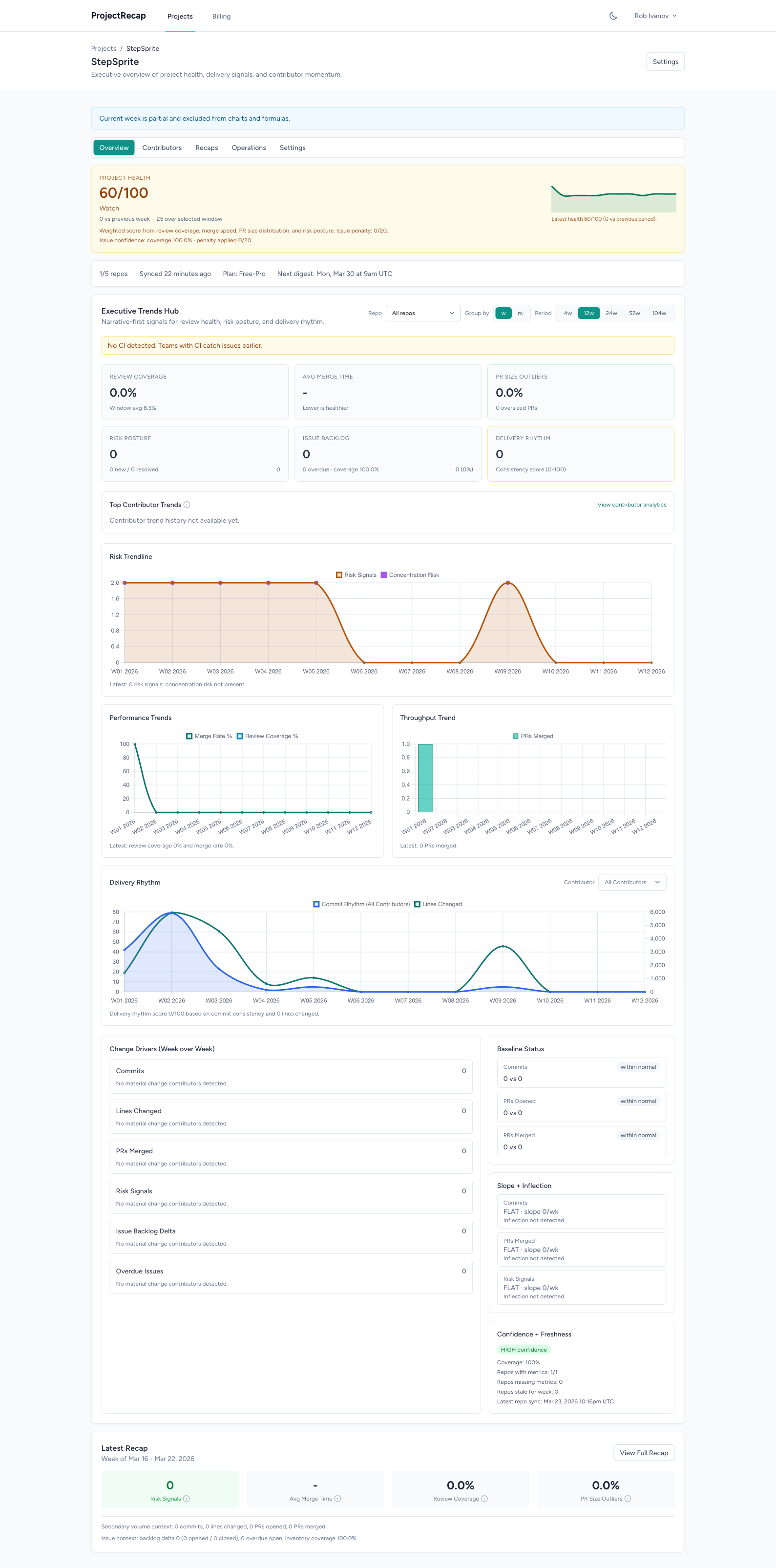
ProjectRecap remembers GitHub progress across weeks. See what shipped, what slipped, what keeps repeating, and what needs a call. One page. Five minutes.
Works in Claude, Cursor, Windsurf, and other MCP clients. Every summary links back to the GitHub activity behind it.
The problem
Every week, the same questions. What moved? What's stuck? Who's overloaded? You're piecing it together from Slack threads, standups, and gut feeling.
Deadlines don’t blow up all at once. They erode. A PR sits too long. Reviews pile up. The same risk repeats, but nobody has the thread in one place.
You leave the call with a vague sense of progress, but no clear picture. What changed since the last product call is scattered across three conversations and someone’s screen share.
You need five minutes of clarity to make a release call or a scope call. Instead you spend an hour getting caught up.
The product
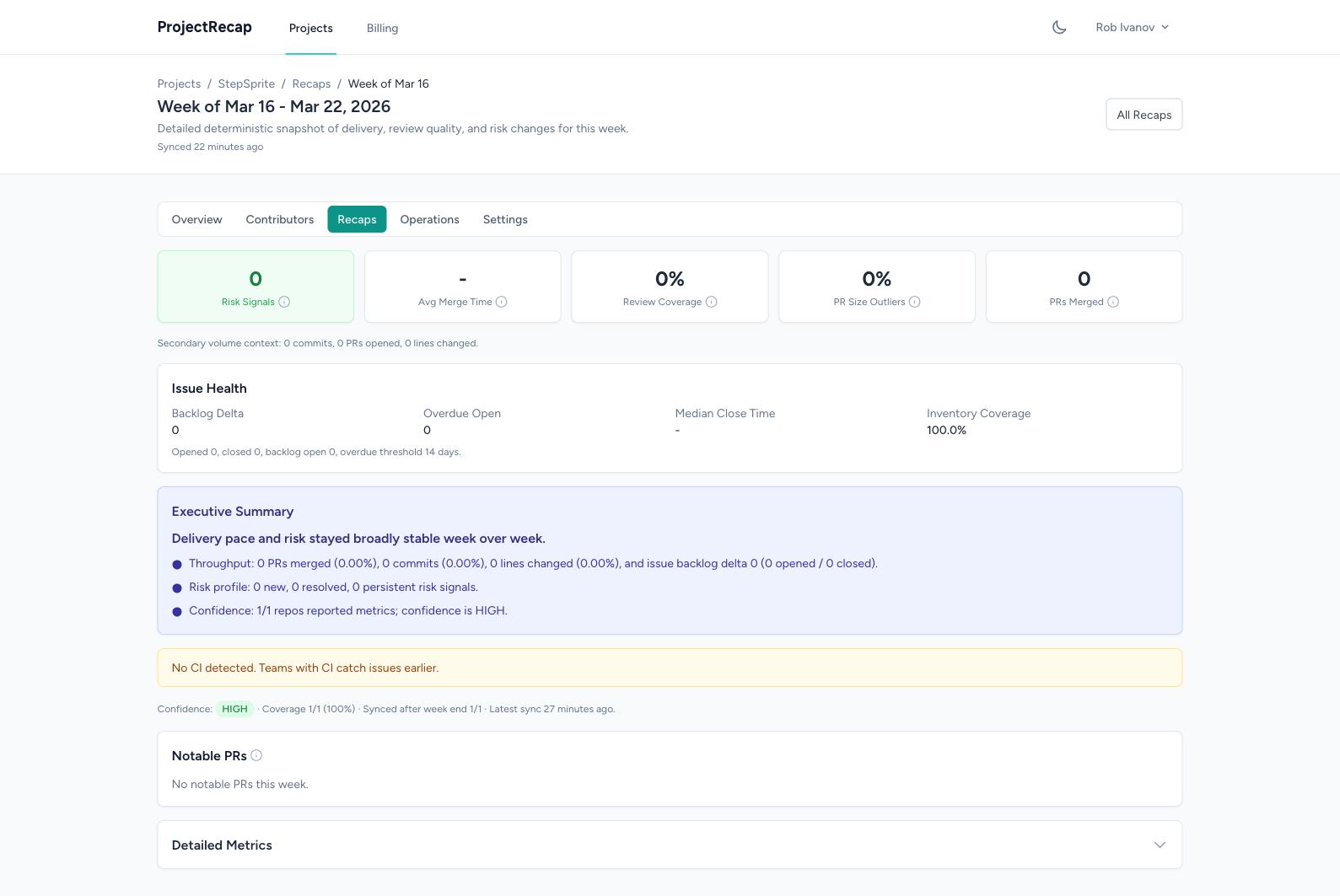
What changed since last week
Commits, merged PRs, releases, and visible movement compared with the previous recap.
What keeps slipping
Aging PRs, slow reviews, and work that keeps carrying forward instead of landing.
Which risks are repeating
Concentration on one contributor, aging issues, and quiet areas that need attention before they become surprises.
What decisions are blocked
A short AI-written summary that points to the call, scope choice, or follow-up that needs context next.
Built for one quick read before the call.
Compare this week to last week. Spot repeated pressure. Walk into the right conversation with source-backed context, not a dashboard to interpret.
Try it with your reposHow it works
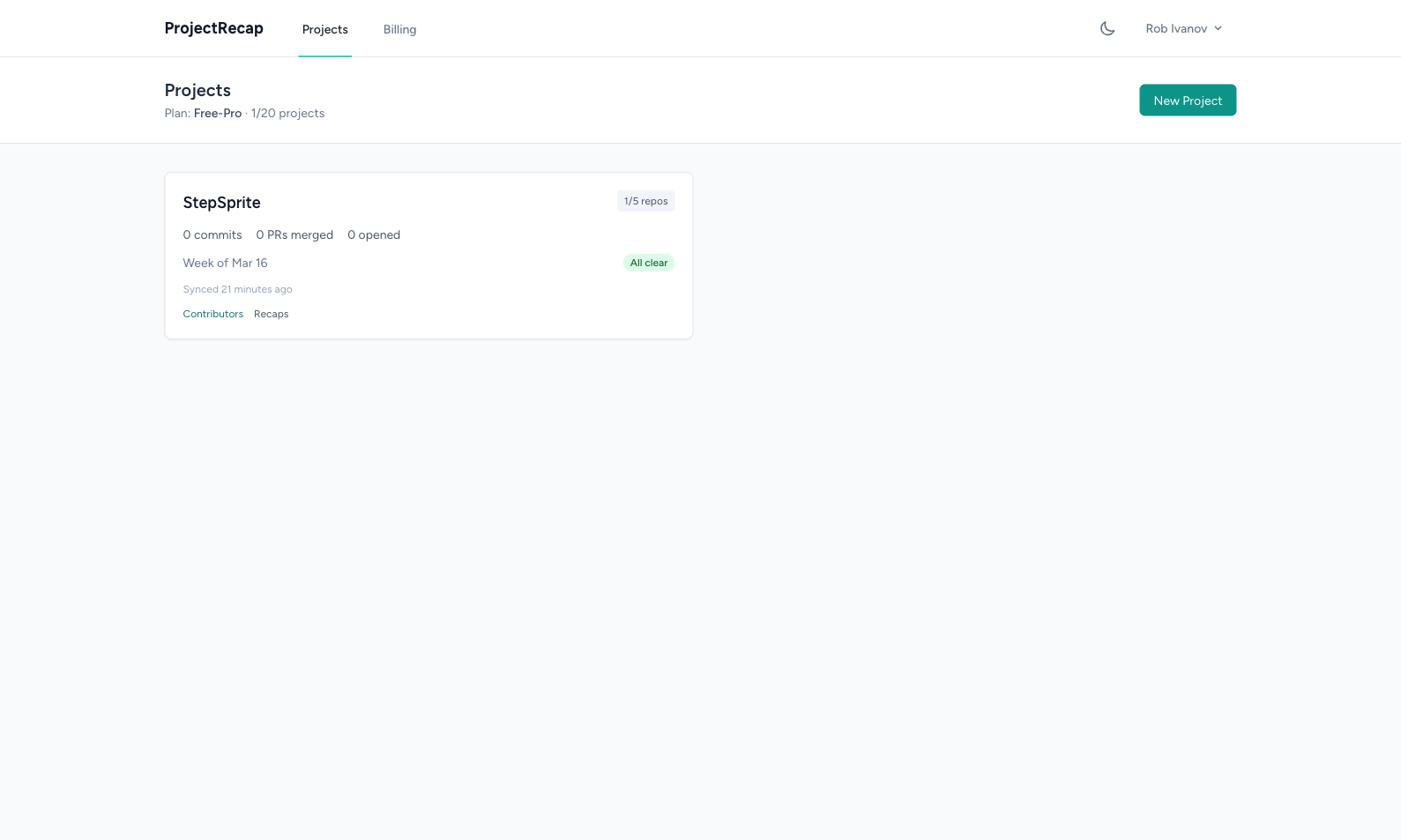
Sign in with GitHub. Pick your repos. ProjectRecap groups them by project so the weekly view stays clean.
Every week, one page. Delivery, review quality, repeated risks, quiet areas, and a short summary of what matters most.
Open it before your next product call, scope check, or 1:1. Less catch-up. Better questions.
Who it is for
You’re running the company. You need to know how engineering is going without pulling your lead into another meeting. This is your Monday-morning read.
You sit in product, hiring, and board conversations. You need the context behind what changed, not a pile of engineering screenshots.
You want leadership informed without turning your team into a reporting machine. Send them the recap instead.
Built by a fractional CTO who has done this work.
ProjectRecap came out of real delivery work through Worbee. The goal is simple: help founders make better calls without adding more reporting.
API & MCP
ProjectRecap ships with a native MCP server and a full REST API. Claude, Cursor, Windsurf, and other MCP clients can pull live engineering context directly, with links back to the GitHub activity behind each answer.
Works with your AI assistant
ProjectRecap has a native MCP server. Claude Desktop, Claude Code, Cursor, Windsurf, or any MCP client. Add the server URL, approve access, start asking.
Ask in plain English
"What changed since last week?" "Which risks keep repeating?" "What has gone quiet?" Your AI pulls live data from ProjectRecap and answers in context. Nine tools covering projects, recaps, contributors, and risk signals.
Full REST API
Eight endpoints. Clean JSON. Bearer token auth. Build dashboards, automate reports, or pipe your engineering data into whatever workflow you already have.
Secure by default
OAuth 2.1 for MCP clients. No API keys to copy-paste into config files. Your AI assistant handles the auth flow. You approve once through a branded screen.
What is MCP?
MCP (Model Context Protocol) is an open standard that lets AI assistants connect to external tools and data sources. Instead of copying status into chat, your AI assistant talks to ProjectRecap directly and gets live, source-backed engineering context.
{
  "mcpServers": {
    "projectrecap": {
      "url": "https://app.projectrecap.com/mcp"
    }
  }
}
FAQ
Free plan
Connect your repos. Get your first recap. See if it changes your Monday.